If you own a Lobster pickleball machine, you know how essential its battery is for consistent performance during practice sessions.Over time, however, battery life fades, impacting your machine’s reliability and cutting practice short. This DIY repair guide focuses on replacing your Lobster Pickleball machine’s 12V 9Ah battery,helping you restore peak function without costly downtime or service fees.Whether you’re a weekend player or a competitive enthusiast, understanding how to swap the battery yourself ensures your training stays uninterrupted and budget-friendly. We’ll walk you through practical steps, share tips on choosing the right replacement battery, and highlight common pitfalls-so you can confidently maintain your gear and get back to improving your game.
Understanding Your Lobster Pickleball Machine Battery
Few pieces of equipment in pickleball are as essential-and as often overlooked-as the battery powering your Lobster pickleball machine. this compact powerhouse determines how long you can practice uninterrupted, how consistently your machine performs, and ultimately, how effective your training sessions will be. Understanding the ins and outs of this battery isn’t just about avoiding unexpected downtime; it’s about optimizing your investment in one of the most reliable practice partners on the court.
The Lobster pickleball machine typically employs a 12-volt, 9 amp-hour sealed lead-acid battery, designed specifically to balance capacity with portability. This kind of battery offers a strong, steady current necessary to drive ball rotation and launching mechanisms, providing consistent ball speed and spin. Tho, the specifics can vary slightly depending on your model and battery brand, so it’s crucial to know the technical specs when shopping for replacements. Moreover, like all rechargeable batteries, these have finite lifespans shaped by charge cycles and usage patterns.
Battery Features to Keep in Mind
- Voltage & Capacity: The standard is 12V 9Ah, wich balances runtime (up to several hours) with manageable weight and size.
- Type: Most Lobster pickleball machines use sealed lead-acid batteries due to their reliability and cost-effectiveness. Alternatives like lithium-ion offer lighter weight but at a higher price.
- Size and Terminals: Standard dimensions and .250″ faston terminals allow for straightforward battery replacements without custom modifications.
- Weight: Typically around 6 pounds,so expect a bit of heft when handling or transporting the machine.
Real-world user experience reveals that while these batteries serve well for casual to advanced players, their performance can degrade with regular charging and discharging. As an example,if you use your Lobster machine multiple times a week,paying attention to storage and charge timing will prolong battery health. Experts and seasoned pickleball coaches frequently enough recommend always storing the battery charged between sessions and avoiding deep discharges to maintain peak performance.
Key Consideration: balancing Budget and Performance
When it comes to replacement batteries, you might encounter OEM (original equipment manufacturer) options or third-party alternatives. OEM batteries, like the Lobster E882 (9Ah), offer assured compatibility and warranty but usually come at a premium price point. Third-party batteries such as the Raion Power RG1290T2 provide reliable replacements with similar specs-12V 9Ah sealed lead-acid construction-at a better value for those on a tighter budget [[1]](https://www.raiongroup.com/lobster-sports-the-pickle-12v-9ah-replacement-tennis-ball-machine-battery/) [[2]](https://www.osibatteries.com/lobster-e882-battery-9ah?srsltid=AfmBOordaydvP_CymB44_gKqB5H6GJTyDknSMqtlMdZHFzTETIZ7xNcW). Either choice can keep your Lobster pickleball machine running strong if you focus on proper maintenance and usage.
Signs Your Battery Needs Replacement or Repair
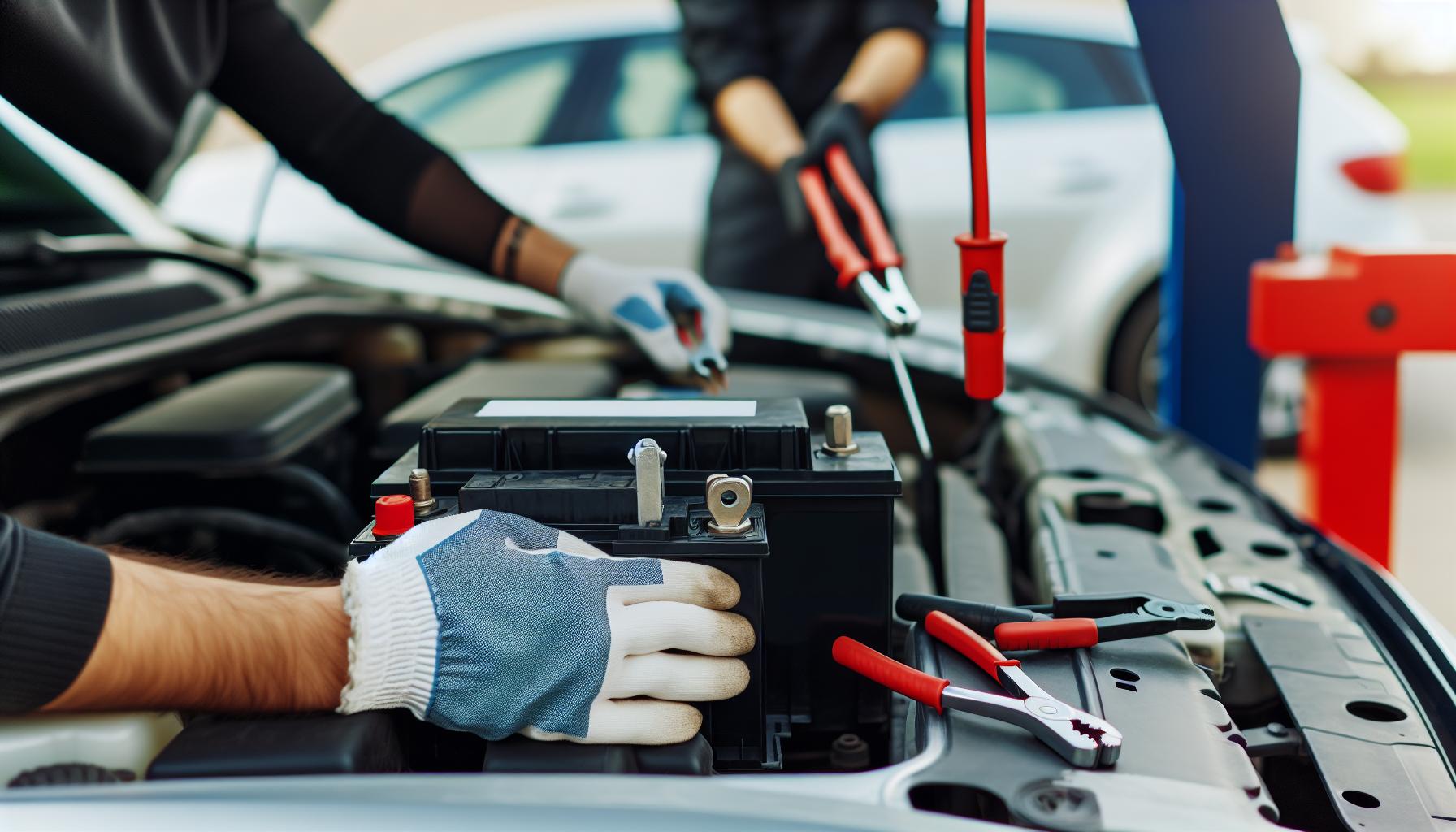
Noticing a drop in your Lobster pickleball machine’s performance can be frustrating, but often it’s a clear sign the battery needs attention. Unlike other components, battery decline often sneaks up on you, reducing your practice time and consistency before you realize what’s happening. Players who rely heavily on their machines will likely spot the first warning signs earlier,while casual users might attribute short runs to other factors. Recognizing these red flags early not only saves you downtime but can also help you decide whether to repair, recondition, or replace your battery-and keep your training sessions smooth and uninterrupted.
One of the most obvious symptoms is a noticeable reduction in runtime. If you used to get several hours of play from a full charge but now find your Lobster shutting off or slowing down after just a short period, the battery’s capacity has diminished.this often happens after hundreds of charge cycles, especially if the battery has been frequently drained below recommended levels. Another key indicator is a longer charging time combined with a less then full charge retention-meaning you plug it in overnight, but by the next day, the battery barely holds a charge enough to operate effectively.
Common Signs to Watch For
- Shortened Operating Time: Sessions end prematurely, forcing an early stop.
- Slow or No Charging: Charger is connected, but indicators show minimal voltage gain.
- Machine Power Fluctuations: Inconsistent ball speed or intermittent power loss during drills.
- Physical Battery Issues: Swelling, corrosion on terminals, leaks, or unusual heat buildup.
- Warning Indicators: Some machines may have battery status lights flashing or error codes.
One important but often overlooked tip is regularly testing the battery voltage and load capability with a multimeter or battery tester after charging. This proactive check can confirm whether a decline is normal wear or an indication of an internal fault like sulfation in sealed lead-acid batteries.For example, if the voltage drops suddenly when the machine starts firing balls, it’s a reliable hint that under load, the battery voltage is insufficient-time for a replacement or professional reconditioning.
don’t underestimate the role of environmental and usage factors.leaving your battery discharged for long periods, exposure to extreme temperatures, or inconsistent charging habits can all accelerate battery failure. Players who maintain their batteries correctly typically spot less performance drop-off and extend their investment’s life substantially. If your Lobster’s performance seems “off,” start here before blaming the machine itself-it’s often the battery signaling it’s time for a little TLC or a fresh start.
Choosing the Right Replacement Battery: Key Specs
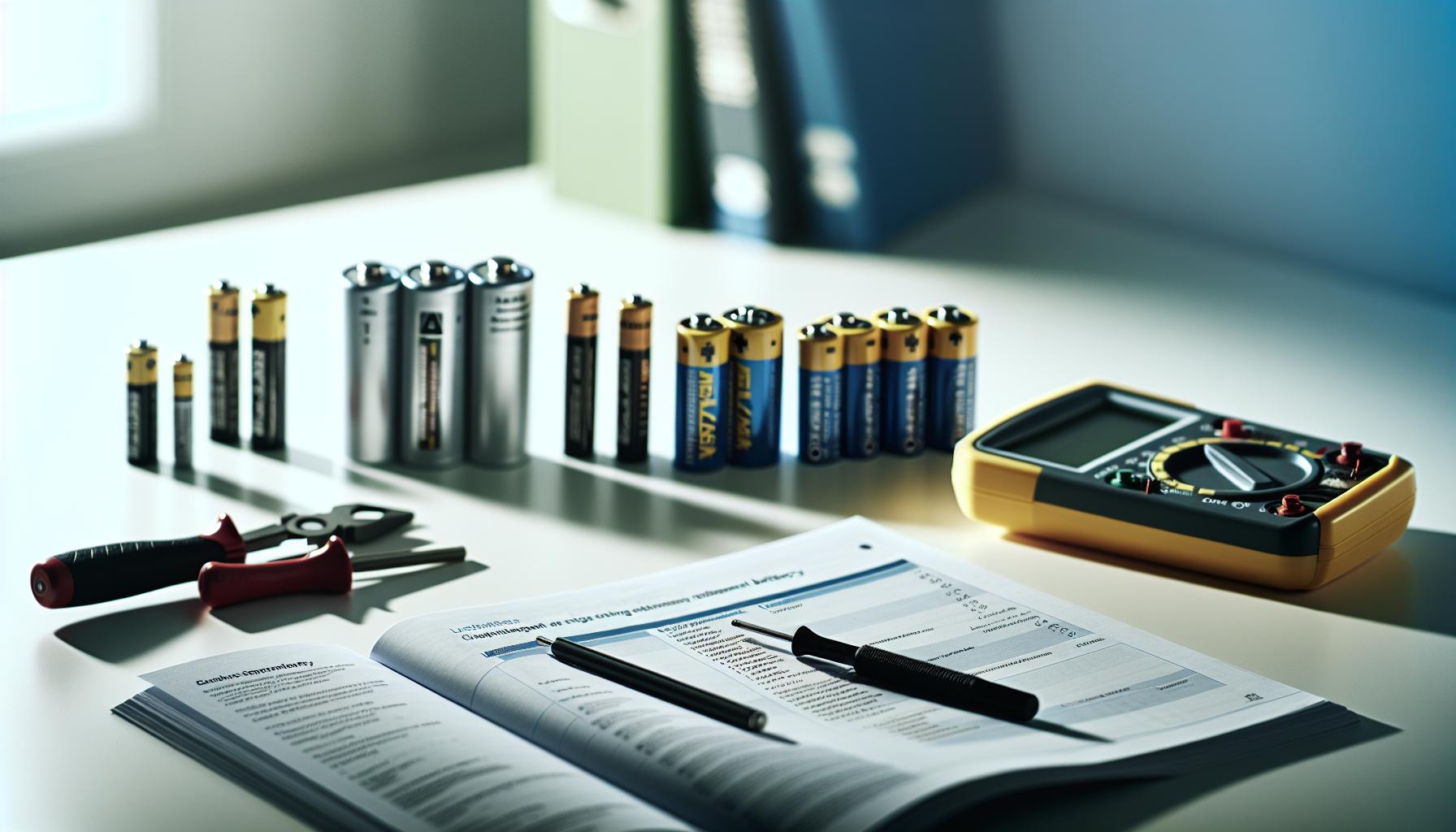
Picking the right battery for your Lobster pickleball machine isn’t just about matching voltage; it’s about ensuring reliability and consistent performance so you get the most out of your practice sessions. Many players overlook specs beyond voltage, but aspects like capacity, terminal type, and physical size play a significant role in how long and well your machine runs. Whether you’re a casual spinner or a dedicated competitor, understanding these details can save you from frustrating downtime and premature replacements.
Voltage and Capacity are the two most crucial specs to consider first. Lobster pickleball machines commonly use a 12-volt battery, so sticking to that voltage is non-negotiable to avoid damaging your machine’s electronics. Capacity, measured in ampere-hours (Ah), determines runtime.For example, a 9Ah battery frequently enough found in Lobster Liberty models provides a good balance of size and endurance. If you find your machine stops earlier than desired, you might explore batteries with higher Ah ratings-like an 18-amp external battery pack option-for extended play, albeit with some extra weight and size [[1]](https://pickleballcentral.com/external-battery-pack-for-pickle-ball-machine/?srsltid=AfmBOoraId2BXE-7hOXZFrpCazkna0nB8QhGVwtgTSagysR6qtvyJJF2).
Key Specifications to match
- Voltage: Always 12V to maintain compatibility and safety.
- Capacity (Ah): Typically 9Ah for standard use, with options to go higher for longer sessions.
- Terminal Type: Confirm your machine uses .250″ Faston terminals or F2 connectors. Using the wrong terminal type can cause poor connections or require adapters [[2]](https://www.amazon.com/Lobster-Liberty-Tennis-Machine-Battery/dp/B087D5LXC2).
- Physical Dimensions: Batteries should fit snugly inside the machine’s compartment. As an example,Lobster E882 batteries measure about 5.94″ x 2.56″ x 3.70″-knowing these helps avoid fit issues [[3]](https://www.osibatteries.com/lobster-e882-battery-9ah?srsltid=AfmBOordaydvP_CymB44_gKqB5H6GJTyDknSMqtlMdZHFzTETIZ7xNcW).
Another factor is battery chemistry. While sealed lead-acid (SLA) batteries are standard for Lobster machines due to reliability and cost, some players experiment with lithium-ion upgrades for lighter weight and longer cycle life-though they frequently enough come with a higher price tag and require compatible chargers. For players who prioritize extended training without lugging extra weight,this trade-off might make sense.
Lastly, think about budget versus longevity. OEM batteries tend to be pricier but are guaranteed to match factory specs exactly. Third-party replacements can save money but vary widely in quality, so look for those with good reviews and warranties. Remember, a slightly higher upfront cost for a quality battery often translates into fewer replacements and better day-to-day performance, keeping your Lobster humming longer.
Step-by-Step DIY Battery Removal and Installation
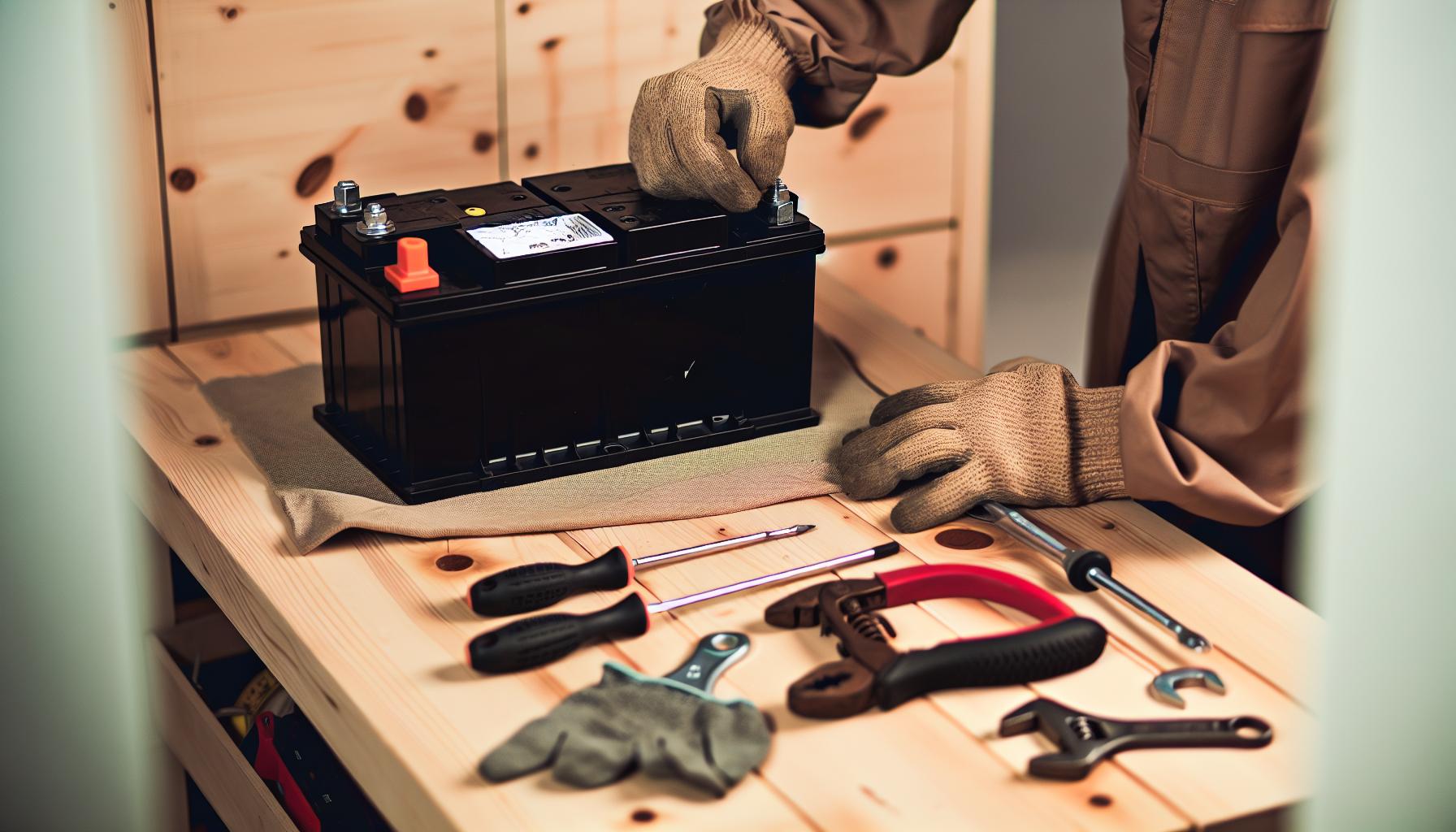
Replacing your Lobster pickleball machine’s battery might seem daunting at first, but with a clear plan and the right tools, it’s a straightforward task that you can tackle confidently. Whether you’re aiming to extend your practice sessions or simply keep your machine running smoothly, performing the swap yourself saves time and money while deepening your gear knowlege-key for every dedicated player.
Start by ensuring the machine is unplugged and powered off to avoid any electrical mishaps. Most Lobster pickleball machines use a sealed lead-acid (SLA) battery, commonly 12 volts at around 9 amp hours, so having the correct replacement at hand is crucial. Before removal, take note of how the battery is secured in place and how the terminals connect-this will make reinstallation much easier. If you’re brand-new to this, consider snapping a few photos for reference throughout the process.
steps to Remove and Replace Your Battery
- Access the Battery Compartment: Use the appropriate screwdriver or tool specified in your machine’s manual to open the battery compartment. Keep screws or bolts safely aside.
- Disconnect the Terminals: Always disconnect the negative (-) terminal first to minimize risk of short-circuiting, followed by the positive (+) terminal. For Lobster machines, terminals might be .250″ Faston connectors or F2 types-gently wiggle the connectors to avoid damaging them.
- Remove the Old Battery: Carefully lift out the battery.These batteries can be a bit heavy, so secure a good grip and consider wearing gloves for safety.
- Compare the old Battery with the New: Match voltage, capacity (Ah), terminal type, and physical size before proceeding to avoid fit or compatibility issues.
- Install the New Battery: Place it in the compartment exactly as the old battery sat,connecting the positive (+) terminal first,then the negative (-). Ensuring a snug, secure connection will help avoid power issues later.
- Close the Compartment: Reattach the battery compartment cover firmly, replacing screws or bolts.
Tips for a Smooth Process
- Work in a clean, well-lit space: This reduces errors and helps you spot any frayed wires or corrosion.
- Keep a wrench or pliers handy: Some terminals may require gentle tightening or loosening.
- Handle the battery with care: Avoid tipping or dropping-it’s heavy and contains acid that can leak if damaged.
- Wear gloves and eye protection: Safety first, especially when dealing with lead-acid batteries.
Many players find that taking their time and following these steps with care offers a hands-on way to intimately understand their machine’s power needs. Regular battery replacement not only prevents unexpected downtime during intense training but also helps maintain your Lobster’s optimal performance. DIY battery swaps are a great way to save a few bucks over professional servicing, especially if you play regularly and want to keep your routine uninterrupted.
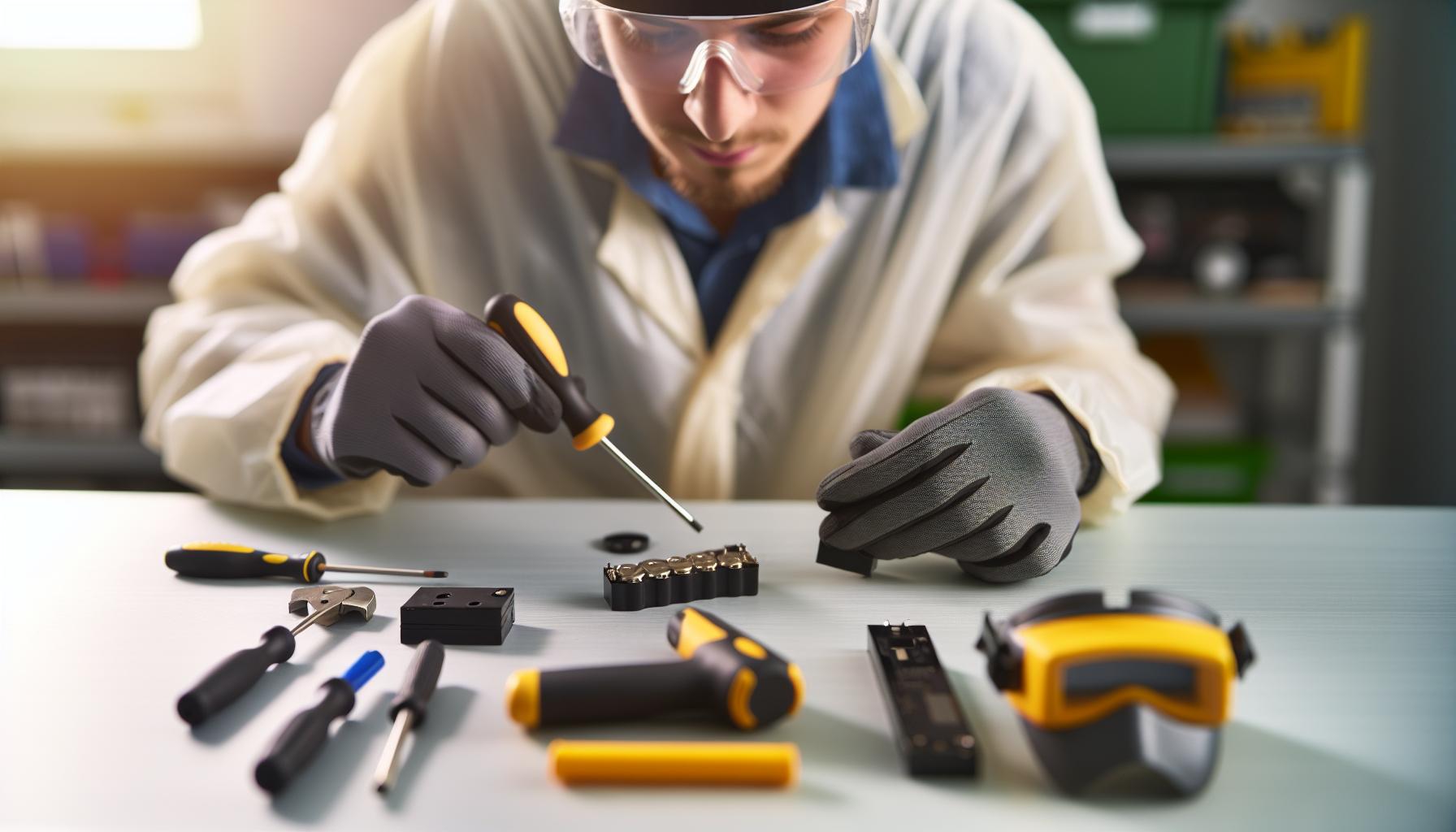
Tools and Safety Tips for Battery Replacement
Changing the battery in your Lobster pickleball machine isn’t just about swapping one component for another-it involves working safely with electrical parts that can cause damage if mishandled.Even if you’re agreeable with tools and DIY projects, having the right equipment and knowing precise safety procedures can drastically reduce the risk of injury or damage, while making the entire process smoother and more confident.
A few basic tools are indispensable.A set of screwdrivers-both Phillips and flat-head depending on your model-will help you open and close the battery compartment securely. Because Lobster batteries often use .250″ Faston or F2 terminals, having needle-nose pliers or a terminal puller can aid in gently disconnecting cables without bending or damaging connectors.A small adjustable wrench or socket set is useful if your battery is secured with bolts or clamps. Additionally, keeping a clean rag on hand helps wipe away any dirt or corrosion you might notice on battery terminals, preventing potential power issues later.Safety gear is not optional-it’s essential. Lead-acid batteries, like those used in Lobster machines, contain sulfuric acid and can release harmful fumes in certain conditions. Wearing chemical-resistant gloves protects your skin from acid leaks or corrosion residue, while safety glasses prevent any unexpected splashes from reaching your eyes. Working in a well-ventilated area reduces inhalation risk if any gas escapes. Always make sure the machine is fully powered off and unplugged before you begin to avoid electric shock or short circuits. Disconnect the negative (-) terminal first and reconnect it last to minimize sparks. This simple habit alone can save your machine-and you-a lot of trouble.
Essential Tools and Safety Gear Checklist:
| Tool/Equipment | Purpose | Why It Matters |
|---|---|---|
| Screwdrivers (Philips & Flat-head) | Open/close battery compartment | Prevents stripping screws and damage |
| Needle-nose pliers or terminal puller | Disconnect battery terminals safely | Avoids bending or breaking connector tabs |
| Adjustable wrench/socket set | Loosen/tighten battery hold-down bolts | Secures battery firmly, maintains connection |
| Chemical-resistant gloves | Protect hands from battery acid & dirt | Safety from acid burns and contamination |
| Safety glasses | Protect eyes from acid splashes or sparks | Prevents potentially serious eye injuries |
| Clean rag or brush | Clean terminals, remove corrosion | ensures good electrical contact and battery life |
In practice, working deliberately and with patience is just as important as having the right tools. For example, if you’re ever unsure about gently prying off a stubborn terminal, consider applying a small amount of electrical contact cleaner to loosen corrosion before proceeding. Always place removed screws or small parts in a container so they don’t get lost mid-task. And if you notice any physical damage, leaks, or bulging in the battery casing itself, it’s safer to replace the battery immediately rather than risk a fault.
By combining these tool recommendations and safety tips, you’re well-positioned to handle your Lobster pickleball machine’s battery replacement with a professional-level attention to detail.You’ll save money on service fees and gain confidence in maintaining your gear for years to come. keep these essentials within reach,and your next battery swap will be a clean,safe,and straightforward experience.
Testing Battery Performance After Installation
Battery performance is the heartbeat of your Lobster pickleball machine’s reliability. After a fresh install, it’s crucial to verify not only that the machine powers on, but that it sustains consistent voltage and current under load. This ensures your practice sessions won’t be cut short by unexpected power drops or machine shutdowns, sparing you frustration mid-game.Start with the basics by observing how your machine responds immediately after installation. Does it power up without hesitation? Next, measure the battery voltage using a reliable multimeter. A fully charged 12V lead-acid battery, like the common 9Ah model used in Lobster machines, should read around 12.6 to 13 volts when rested but not under load. If you see voltages significantly lower than this, it might indicate undercharging or a defective battery. Remember, voltage alone isn’t the full story; you want to see stable voltage under actual running conditions.
Load Testing: Simulating Real Use
A key step often overlooked is performing a load test, which checks the battery’s ability to deliver power while the machine is operating.You can do this by running the pickleball machine at standard settings and monitoring both the machine’s responsiveness and the battery voltage in real-time. As the machine draws power, the voltage will naturally dip but should not fall below about 11.5 volts. If it drops steeply or the machine falters, it’s a sign the battery may struggle to maintain proper output and might need replacing despite appearing charged.
For many DIY enthusiasts, a simple test is to:
- Turn on the machine and set it to your typical play speed.
- Use a multimeter across the battery terminals while the machine is running.
- Observe the voltage: a stable reading near or above 12 volts indicates good health, whereas rapid drops signal capacity problems.
This practical approach helps you avoid surprises during actual drills by confirming the battery’s endurance in conditions close to real play.
Interpreting Results and Next Steps
If your readings are borderline or your machine shows unusual power lags, consider giving the battery a fresh charge and testing again after a few hours. Batteries can sometimes bounce back slightly with proper charging. However, persistent low voltage or inconsistent behavior is a red flag to replace the battery. Also, check terminal cleanliness and tightness as poor connections can mimic battery problems.
| Observed Battery Behavior | Likely Cause | Recommended Action |
|---|---|---|
| Voltage steady at 12.6 V or higher, machine runs smoothly | Healthy battery and good installation | No action needed; enjoy your practice! |
| Voltage drops quickly below 11.5 V during operation | Battery might potentially be weak or damaged | Recharge and retest; consider replacement if issue persists |
| Machine struggles to power on or shuts off suddenly | Possible battery fault or poor terminal connection | Inspect and clean terminals; tight connections; replace battery if unresolved |
Frequent testing after battery installation is a smart habit that pays dividends. Over time, it helps you track battery health trends and plan replacements proactively, avoiding downtime in the middle of your training sessions. Any player serious about maximizing their Lobster machine’s performance should never skip this step.
Last but not least, don’t overlook the value of keeping a simple charger handy. Charging before each play session and periodically inspecting battery stats boosts longevity and ensures unpredictable power loss doesn’t spoil your game. With these checks, your Lobster machine will deliver consistent, dependable training-exactly the way you need it.
Troubleshooting common Battery and Power Issues
Power hiccups with your Lobster pickleball machine can be frustrating, especially when they interrupt a great practice session. Many issues trace back to the battery and power system but can often be resolved without professional help. Before considering a replacement battery, it’s worth checking common culprits that mimic battery failure symptoms-saving both time and money.
One frequent source of trouble is loose or corroded connections. Even a high-quality battery will underperform if terminals have oxidation or if wires aren’t snugly fastened. Simple cleaning with a wire brush and tightening the clamps can restore reliable power flow. Similarly, a faulty charger or charging cable can leave the battery undercharged, causing premature shutdowns. verify your charger shows the correct LEDs during operation – many Lobster machines use green solid light for full charge and red when charging[3[3]. If the charger jack or port is damaged or loose, the battery won’t replenish properly and may need repair or replacement[1[1].
Beyond connectors and chargers, battery age and condition stand out as the most common causes. Lead-acid batteries, like the 9Ah type used in most Lobster models, degrade over time, losing capacity and voltage stability. Symptoms include the machine powering on but shutting off suddenly, sluggish startup, or erratic remote control response. A practical step is to perform a voltage test at rest and under load using a multimeter. If voltage dips below 11.5 volts during operation despite a full charge, replacement is likely needed[2[2].
Quick Diagnostic Checklist
- Inspect battery terminals: Clean corrosion and ensure tight connections.
- Check charger status: Confirm proper LED indication and cable integrity.
- Load test battery: Measure voltage under normal machine operation.
- Confirm machine wiring: Look for loose or damaged cables inside the battery compartment.
- Replace battery if voltage and load test fail repeatedly.
Understanding these typical power issues empowers you to troubleshoot like a pro before committing to parts replacement.Remember, consistent maintenance-cleaning terminals, regular charging, plugging in after each session-prolongs battery health and prevents many headaches. Keeping a spare charger and a simple multimeter in your toolkit rounds out your readiness, ensuring your Lobster machine stays a reliable training partner season after season.
Extending Battery Life: maintenance and Best Practices
Battery care is frequently enough overlooked but plays a huge role in keeping your Lobster pickleball machine ready for action. Proper maintenance can extend the life of your lead-acid battery significantly, saving you money and reducing frustration during training sessions. A simple habit like fully charging your battery after each use and unplugging the charger once the green light shows can prevent overcharging and overheating,two silent killers of battery health. For those storing the machine over the off-season, a full charge before storage is critical, and if possible, periodic top-ups during long breaks help avoid deep discharge damage [[1]].
Corrosion and loose connections don’t just slow down power delivery-they create stress on the battery by forcing it to work harder. Regularly inspecting terminals for corrosion, cleaning them gently with a wire brush, and tightening all clamps ensures efficient energy flow. Even better, applying a small amount of dielectric grease can protect contacts from moisture and oxidation.A clean, tight connection means your battery isn’t wasting capacity fighting poor electrical flow.
Smart Charging Practices
- Avoid partial charges: Lithium and lead-acid batteries alike do best when charged fully rather than repeatedly topping off a partially discharged battery.
- Use the correct charger: Always use the OEM or recommended charger for your Lobster machine to ensure proper voltage and current profiles.
Non-certified chargers can undercharge or damage the battery. - Charge in a stable habitat: Avoid charging in extreme cold or heat; ideal temperatures are between 50°F and 77°F (10°C – 25°C).
Routine Maintenance Tips
Maintaining the battery isn’t just about charging. If you notice your Lobster machine powering down unexpectedly or remote commands lagging, that’s a sign to check battery health with a multimeter and revisit connection integrity. Even small voltage drops during operation can indicate early battery wear.
For those who want to go the extra mile, keeping the battery terminals snug and terminals corrosion-free after every few sessions makes a noticeable difference over time. Also, consider storing your machine in a location with minimal temperature swings. If you live in an area with harsh winters or summers, the extremes will reduce battery efficiency and lifespan.
| Maintenance Practice | Benefit | Frequency |
|---|---|---|
| Full charge after each use | Prevents deep discharge and improves capacity retention | Every session |
| Terminal cleaning and tightening | ensures good electrical flow,prevents corrosion | Monthly or after corrosion visible |
| Use correct charger and unplug when charged | Prevents overcharging and heat damage | Every charge |
| Store in moderate temperature | Preserves battery chemistry and prevents damage | During off-season or extended breaks |
Taking these steps may seem small but add up to significantly better battery reliability and fewer mid-practice power drops. Your Lobster pickleball machine will reward you with longer run times and consistent performance, making your drills smoother and your game sharper. As always, a bit of proactive care today saves money and hassle tomorrow.
Upgrading Your Battery for Better Machine performance
Few upgrades offer such a noticeable boost in your Lobster pickleball machine’s reliability and runtime as investing in a high-quality replacement battery. While the stock battery usually performs well initially,the technology behind batteries has evolved,providing options that can enhance performance,extend session lengths,and reduce downtime.The key is matching your upgrade choice to your skill level, usage frequency, and budget, so you get the best return on investment without overspending on features you don’t need.
upgrading from the standard sealed lead-acid battery to a modern lithium or LiFePO4 (Lithium Iron Phosphate) choice can deliver substantial benefits. These batteries tend to be lighter, have a higher energy density, and boast longer cycle lives-meaning they last through more charge-discharge cycles before performance dips. For serious players or instructors running long clinics, this translates to fewer interruptions and a machine that stays powered consistently throughout your workouts. However, it’s important to note that lithium batteries often require compatible chargers and proper care to maximize lifespan and safety.
Assessing Your upgrade Options
when considering an upgrade, focus on these critical factors:
- Voltage and Capacity: Your replacement should match the original battery voltage (commonly 12V). Higher amp-hour (Ah) ratings mean longer playtime but usually come with increased size and cost.
- Battery Chemistry: Lead-acid batteries remain budget-friendly and reliable for casual use. lithium and LiFePO4 batteries offer enhanced runtime and weight savings but cost more upfront.
- Terminal Type: Ensure the battery terminals (F2, F1, or others) match your machine’s connectors or consider adapter options.
- Physical Size and Fit: Most tennis and pickleball Lobster machines accept batteries of specific dimensions. Some external upgrade options allow larger batteries to be mounted separately for even longer runtimes.
| Battery Type | Capacity (Ah) | Weight | Typical Cost | Pros | Cons |
|---|---|---|---|---|---|
| Sealed Lead-Acid (SLA) | 7 – 9 | Heavy (5-7 lbs) | $$ | affordable, widely available, easy to replace | Heavier, shorter cycle life, slower charging |
| LiFePO4 (Lithium Iron Phosphate) | 12 – 20+ | Light (2-4 lbs) | $$$ | Longer lifespan, lighter weight, faster charging | Higher cost, charger compatibility needed |
Practical Considerations and Tips
If you mostly practice casually or on weekends, an OEM-equivalent SLA battery is a reliable and wallet-friendly choice. It matches the machine’s requirements perfectly without any fuss. However,if you coach multiple players or run marathon training sessions,a LiFePO4 upgrade pays for itself with fewer replacements and lighter carrying weight.
Before swapping, double-check compatibility with your model and manufacturer recommendations. Also,keep in mind that lithium batteries sometimes require a specific charger to avoid damage. many users on forums and communities have successfully installed external LiFePO4 batteries inside their Lobster machines with minor modifications-just be sure you’re comfortable with DIY tweaks or ask a informed friend for help[[3]].
Upgrading your battery is as much about maintaining convenience on the court as it is about improving performance. You’ll notice quicker startups, steadier ball feeds, and most importantly, fewer “out of juice” breaks. The game should keep flowing, letting you focus on technique and fun rather than technical hiccups.
With the right replacement, your Lobster pickleball machine becomes a more reliable practice partner, ready to elevate every rally and helping you master your game faster.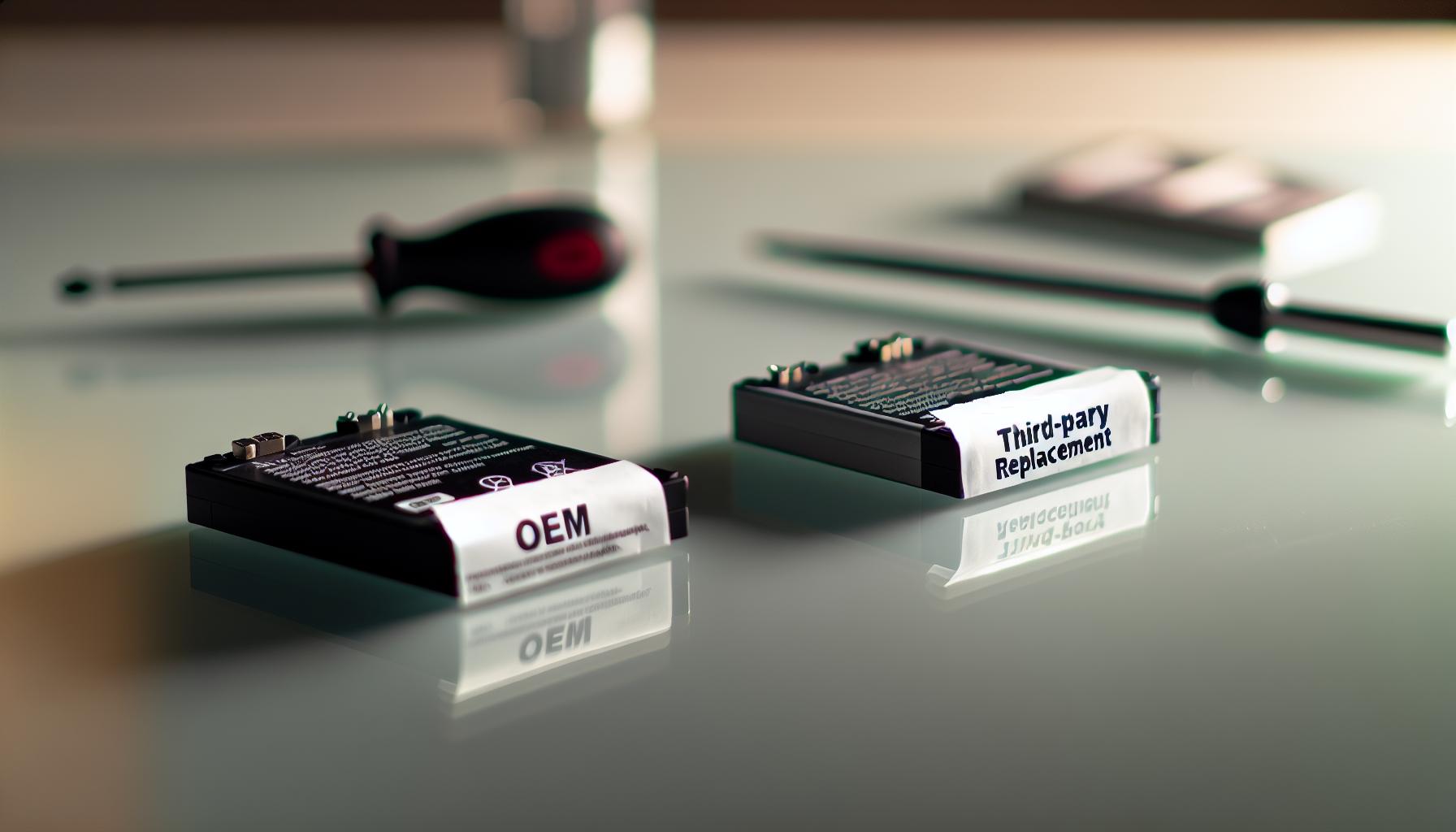
Comparing OEM vs.Third-Party Replacement Batteries
Choosing between OEM and third-party batteries for your Lobster pickleball machine can feel like navigating a maze. Each option brings distinct advantages and trade-offs, and knowing what matters most to your style of play and budget will make the choice straightforward. OEM batteries, designed by Lobster Sports or its official suppliers, guarantee exact compatibility, hassle-free installation, and reliable performance that matches the original machine specifications. For players who prioritize consistency and minimal downtime, sticking with OEM often means fewer surprises during practice sessions.
That said, third-party replacements have matured significantly in quality and variety, offering compelling alternatives-especially for those looking to extend runtime or upgrade battery technology without paying a premium for the official label. for example, third-party suppliers frequently provide higher-capacity sealed lead-acid or newer lithium options with competitive warranties.Many users report third-party lithium iron phosphate (LiFePO4) packs weighing less and charging faster, enhancing portability for coaches or tournament players running multiple back-to-back sessions. The catch: some require minor installation adjustments or pairing with compatible chargers, so a bit of DIY savvy helps here[[3]].
| Feature | OEM Battery | Third-Party Battery |
|---|---|---|
| Compatibility | Guaranteed fit & specs | Varies; verify before purchase |
| Cost | Higher upfront price | Often more affordable or better specs per dollar |
| Warranty & Support | Official warranty & customer service | Varies; some offer competitive warranties, others limited |
| Battery Technology | Mostly sealed lead-acid (SLA) | Options including SLA, LiFePO4, others |
| Installation | Plug-and-play, no modifications | May require adapters or minor tweaks |
For casual players and weekend warriors, OEM batteries deliver peace of mind with zero compatibility questions and straightforward replacement. However, if you’re a dedicated player, instructor, or frequent user, exploring third-party lithium battery packs-such as those rated 12V 18Ah or higher-can offer longer playing time and lighter weight. One Lobster Elite 5 user improved practice endurance significantly by swapping to a third-party LiFePO4 pack compatible with their machine’s 12V system, reducing battery weight by more than half[[2]].
To succeed with third-party batteries, always check:
- Voltage & Capacity: Match at least 12V and verify amp-hour ratings.
- Terminal Type: Confirm connector compatibility or plan for safe adapters.
- Charger Compatibility: Use recommended chargers, especially for lithium variants.
Ultimately, your choice depends on balancing budget, performance expectations, and how much technical tinkering you’re comfortable with. Both OEM and third-party batteries make excellent partners on the court when chosen wisely, keeping your Lobster pickleball machine energized and your skills progressing with every rally.
Q&A
Q: How can I safely dispose of my old Lobster pickleball machine battery?
A: Safely dispose of your old Lobster pickleball machine battery by taking it to a certified battery recycling facility or an electronics waste center. Avoid throwing batteries in household trash to prevent environmental harm. Check local guidelines for battery disposal to ensure compliance and protect the environment. For more on battery care, see our maintenance tips section.
Q: What should I do if my replacement battery isn’t fitting properly in my Lobster pickleball machine?
A: If your replacement battery doesn’t fit correctly, double-check the model number and dimensions against your machine’s specifications. Avoid forcing the battery, as that can damage the machine. Consult the *Choosing the right Replacement Battery* section for guidance on compatible batteries or consider contacting customer support for recommended alternatives.
Q: How do temperature extremes affect the Lobster pickleball machine battery’s performance?
A: Temperature extremes can significantly reduce battery efficiency and lifespan. Keep your Lobster pickleball machine battery within recommended temperature ranges (typically 50°F-77°F) to maintain optimal performance. Avoid exposing the battery to extreme cold or heat, and store it indoors when not in use to prolong battery life.
Q: can I use a higher capacity battery to extend my Lobster pickleball machine’s runtime?
A: Yes, upgrading to a higher capacity battery can extend your Lobster pickleball machine’s runtime. Though, ensure the replacement matches voltage and size specs to avoid compatibility issues. Refer to *Upgrading Your Battery for Better Machine performance* for detailed advice on balancing capacity with machine requirements.
Q: What are common signs my Lobster pickleball machine battery charger might be malfunctioning?
A: Common signs of charger malfunction include slow charging, failure to fully charge the battery, unusual heat from the charger, or indicator lights behaving abnormally. Test with a diffrent compatible charger if available. See our *Troubleshooting Common Battery and Power Issues* section for step-by-step solutions.
Q: How long should a Lobster pickleball machine battery last under regular use?
A: under regular use, a Lobster pickleball machine battery typically lasts 2-3 years depending on usage frequency and maintenance. Proper care, such as regular charging and avoiding deep discharges, can maximize lifespan. Learn more about battery maintenance in our *Extending Battery Life* guide.
Q: Is it worth upgrading to a lithium-ion battery for my Lobster pickleball machine?
A: Upgrading to a lithium-ion battery is worth considering as it offers longer life, lighter weight, and faster charging compared to traditional lead-acid batteries. Ensure compatibility with your machine’s specs, and check the *Comparing OEM vs. Third-Party Replacement Batteries* section for pros and cons.
Q: How do I store my Lobster pickleball machine battery during extended off-season periods?
A: For off-season storage,fully charge the battery,remove it from the machine,and store it in a cool,dry place away from direct sunlight. Charge the battery every few months to prevent deep discharge and capacity loss. Refer to our *Maintenance and Best Practices* for detailed seasonal storage tips.
—
For detailed step-by-step instructions and further tips, explore the full DIY battery replacement guide and troubleshooting sections.Happy playing and maintaining your Lobster pickleball machine!
In Summary
Now that you’ve mastered the steps to replace the battery in your Lobster pickleball machine,you’re set to enjoy uninterrupted practice with consistent ball delivery and improved performance. Whether you’re a beginner or a seasoned player, this DIY repair not only saves you time and money but also extends your machine’s life-keeping your skills sharp and your training efficient. Don’t wait until your machine loses power mid-session; acting now ensures you stay game-ready with minimal hassle.
For more expert tips, check out our detailed guides on pickleball machine maintenance and choosing the right accessories to boost your training. Ready to upgrade your setup or explore advanced ball machine strategies? Dive into our product reviews and technique tutorials next to enhance every aspect of your play. Have questions or want to share your experience replacing your battery? Drop a comment below or join our community forum to connect with fellow enthusiasts and gear experts.
Stay tuned by subscribing to our newsletter for ongoing advice and exclusive offers tailored to pickleball players of all levels. Your Lobster pickleball machine is a powerful practice partner-keep it running like new with simple DIY battery replacement and keep hitting those winning shots!