Did you no that using a pickleball ball machine can significantly sharpen your technique, whether you’re practicing precise third-shot drops or improving your return of serve? Renting a machine offers flexible access to this powerful training tool without the steep upfront cost.For players of all levels, from eager beginners to seasoned competitors, understanding your local and online rental options helps balance budget, convenience, and performance features. This guide compares the key benefits and trade-offs of renting pickleball machines locally versus online, so you can choose the setup that fits your practice goals and schedule. Ready to elevate your game with targeted drills and consistent ball feeds? Let’s explore how rental choices can streamline your training and deliver the most value for your investment.
Understanding Pickleball Machines: Features & Benefits
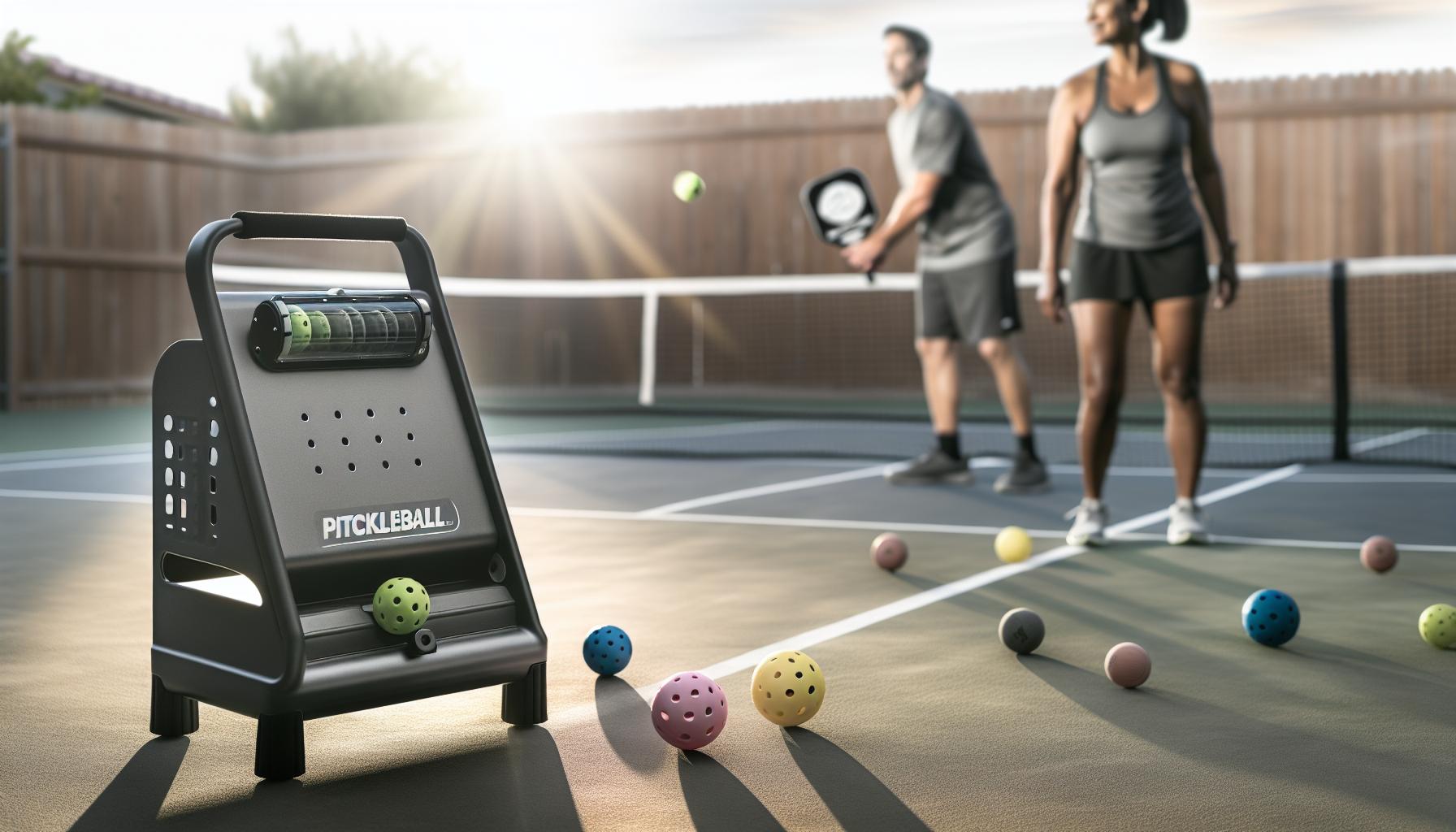
Pickleball machines have quickly become essential training tools for players who want to boost their skills independently and efficiently. Beyond simply delivering balls,these devices offer customizable shot types,speeds,and tempos,replicating the unpredictable nature of actual opponents. Whether you’re a beginner aiming to develop basic strokes or a seasoned competitor refining advanced strategies, understanding the core features and benefits of pickleball machines can help you decide if renting one fits your training style and goals.
Core Features to Look For
Most modern pickleball machines come equipped with several intuitive controls that make practice sessions more productive and enjoyable:
- Adjustable Speed and Spin: Enables players to work on reaction time and handling diffrent ball spins, from slow dinks to fast drives.
- Oscillation Settings: Random or patterned ball placement helps simulate real game scenarios, forcing movement and footwork.
- feed Rate Control: Allows you to regulate how quickly balls are launched,giving space for rest or intense drills.
- Portability and Battery Life: Quality machines ofen balance compact design with enough battery power for extended sessions, which is critical when practicing outdoors or at locations without power outlets.
These features let you tailor your workout to your current skill level, ensuring consistency without the need for a hitting partner.
Practical Benefits for Advancement
The biggest advantage of using a pickleball machine is the autonomy it provides. Players can drill at their own pace, focusing intensively on weak spots like backhands or volleys without the pressure or unpredictability of playing against another person. With repetitive drills, muscle memory builds more quickly, accelerating overall betterment.In addition, machines provide a controlled environment for practicing specific shots repeatedly, which is difficult to replicate in a regular match or even during partner drills. This structured repetition is especially valuable for beginners who need to ingrain proper technique and for advanced players aiming to master tricky spins or fast-paced rallies.
Cost and Accessibility Considerations
While top-tier pickleball machines can be a significant investment-some units retail around $2,000 or more-rental options represent an accessible entry point. Renting allows you to test whether such a training aid complements your routine before committing to purchase. Local and online rentals frequently enough bundle court access with machine use, simplifying logistics and maximizing your practice time.
though rental rates vary,expect prices around $40-$50 per hour for premium machines,including court fees [[1]](https://www.instagram.com/p/DHpWKOBtTG3/) [[2]](https://www.facebook.com/picklersclub/posts/titan-pickleball-machine-rental-50hr-includes-court-access-enjoy-exclusive-acces/122198948192249781/). Over time, frequent rentals may approach the cost of ownership, so consider how often you can realistically schedule sessions before deciding.
Using a pickleball machine is not a magic shortcut, but with informed selection and consistent practice, it becomes a versatile partner capable of significantly accelerating your progress. Whether sharpening fundamentals or pushing your limits, the right machine makes solo training both practical and serious fun.
Local Pickleball Machine Rental Options Compared
Many pickleball enthusiasts hesitate before investing in an expensive ball machine, making local rentals an ideal way to experience the benefits firsthand without a long-term commitment. The great news is that local rental options have matured, offering an accessible entry point for players of all skill levels-whether you’re a beginner working on basic shots or a competitive player seeking advanced drills. While pricing and machine sophistication vary, understanding what’s available nearby can help you pick the right balance between budget, features, and convenience.
Local rental providers often bundle court fees with machine usage, simplifying logistics and providing a ready-to-go practice setup. For instance, some facilities offer premier models like the Titan One pickleball machine for around $50 per hour, including court access and even premium balls to drill with [[1]](https://www.instagram.com/p/DHpWKOBtTG3/) [[2]](https://www.pickleball-edge.com/products/titan-one-pickleball-machine). This “all-in-one” approach removes the hassle of finding courts or transporting your own machine, creating a seamless experience ideal for spontaneous or routine practice sessions. The Titan One, such as, supports adjustable speeds up to 75 mph and boasts internal oscillation for realistic play patterns-great features for serious players aiming to replicate match conditions.
conversely, some more budget-kind local options offer basic machines with fewer customization features but still allow controlled shot repetition-perfect for beginners or casual players focusing on consistency and technique.Here, hourly rates may drop slightly, but be mindful of potential limitations like shorter battery life or less precise oscillation. Always verify whether rentals include balls or if you need to supply your own.
| Rental Provider / Location | Machine Model | Features | Price (hourly) | Extras |
|---|---|---|---|---|
| Local Picklers Club | Titan One | Adjustable speed/spin, oscillation, app-based drills | $50 (includes court) | Premium balls included |
| community Rec Center | Basic Ball Feeder | Fixed speed, manual oscillation | $30 (court not included) | Bring your own balls |
| Nearby Sports Complex | Mid-level model | Speed control, basic oscillation | $40 (court included) | Rental balls available |
For those considering a machine rental near you, here are a few practical tips to maximize value:
- Ask about included amenities: Does the rental package include court time, balls, or even coaching advice? This can save you unexpected costs.
- Check machine condition: Well-maintained devices ensure consistent ball delivery and less downtime during practice.
- Match the machine to your skill level: Beginners don’t necessarily need the most advanced features. Machines with basic speed and oscillation controls frequently enough suffice.
- Consider travel logistics: Machines with wheels or portability features (like the Titan’s trolley design) are easier to pick up and transport if required.
local rental options are diverse, with offerings tailored to varied budgets and training needs. sampling different machines locally can provide invaluable insights before deciding whether to buy your own, or simply become part of your regular training rotation. Remember, the best choice aligns with your current skill development goals and how often you plan to capitalize on solo practice time.
Top Online Pickleball Machine Rental Services Reviewed
Renting a pickleball machine online has become an increasingly popular option for players who want adaptability, a wider selection of models, and the convenience of delivery directly to their doorstep. Unlike local rentals that may limit you to specific brands or models, online rental platforms frequently enough provide access to premium machines with advanced features, allowing you to fine-tune your practice and simulate real match conditions from home or your local court.This approach is especially appealing for those who want to test multiple machines before committing to a purchase or for players without easy access to specialty clubs or facilities.
One standout advantage of online pickleball machine rentals is the ability to choose machines suited exactly to your skill level and training goals. For example, entry-level machines might offer steady, consistent feeds perfect for beginners working on swing mechanics, while high-end options like the Titan one or SpinShot machines – commonly found across the rental services – provide adjustable speed, spin, oscillation, and programmable drills for more advanced ball control development. Many online rental services allow you to book rentals by the day or week, offering great flexibility for both casual players and those in rigorous training cycles.
What to expect from Online Rental Services
- delivery & Return Ease: Most services provide curbside or doorstep delivery and include pre-paid shipping labels for returns, minimizing hassle. Machines usually come pre-charged and ready to use.
- Insurance & Damage Policies: Providers often have damage waivers or security deposits, so it’s wise to clarify terms beforehand to avoid surprises.
- Accessories Included: Look for rentals that come with balls, remote controls, carrying cases, and user manuals to maximize your practice convenience.
Popular Online Pickleball machine Rental Services at a Glance
| Service | Models Available | Rental Periods | Key Features | Approx.Price Range |
|---|---|---|---|---|
| Pickleball Machine Rentals | Titan One, Basic feeders, Mid-level machines | Day, weekend, week | Wide selection, flexible rental, user ratings | $50-$150/day |
| Spinshot Rentals | Spinshot Plus, Spinshot Pro | Hourly, daily | Adjustable spin, programmable drills | $40-$100/day |
| Sports & Rec Equipment Websites | Various brands | Week-long minimum common | Often bundled with court rental or coaching | Starting around $60/day |
When choosing an online rental provider, consider your current practice goals and skill level. For beginners, a basic ball feeder with steady pace might suffice, while intermediate and advanced players often prefer machines that offer customizable drills and variability in speed and spin to mimic competitive play. Additionally, factor in shipping times and costs-some services may require booking well in advance to ensure availability.
Online rentals also encourage players to refine their self-coaching skills, as many machines come with mobile app integrations and programmable features, enhancing drill precision and tracking. Renting online is a practical way to experiment with high-end pickleball machines without the upfront investment or logistical challenges of ownership.
online pickleball machine rental services open up a versatile training avenue. They combine the freedom to try top-tier equipment with the convenience of door-to-door delivery. Whether you’re a newcomer exploring your options or an experienced player aiming for targeted skill enhancement, online rentals can provide the perfect balance of access, affordability, and advanced features to elevate your game.
Cost Breakdown: Renting vs Buying a Pickleball Machine
Pickleball machines can be a game-changer for practice, but the decision between renting and buying isn’t always straightforward. For casual players or those new to pickleball, renting offers a low-risk way to test different models without a hefty upfront cost. On the other hand, serious players who train regularly might find that investing in a machine pays off over time by providing unlimited access tailored precisely to their evolving needs.
The cost to purchase a quality pickleball machine typically ranges from around $1,000 for basic models to upwards of $3,000 for premium brands like the Titan One or SpinShot Pro. This initial investment can be daunting, especially considering ongoing maintenance and the skill plateau if the machine’s features don’t grow with the player. Renting, by contrast, generally runs between $40 and $150 per day depending on the model and rental duration. This creates an affordable option for short-term access, special training sessions, or evaluating machines before committing to a purchase.
Analyzing Your Usage and Budget
- Frequency of Practice: If you plan to train multiple times weekly for several months or years, ownership can be more cost-effective. Renting repeatedly can add up quickly and might restrict spontaneous practice due to availability or return shipping.
- Skill Development Goals: Beginners might benefit from basic rental machines that focus on consistent ball feeds.Advanced players needing customizable drills and variable spins may justify buying a higher-end machine to access more sophisticated features on demand.
- Flexibility and Variety: Rentals provide access to different machines, allowing you to find the perfect fit. Buyers risk committing to one style-though resale options and trade-ins might mitigate this.
| Factor | Renting | Buying |
|---|---|---|
| Cost Range | $40 – $150 per day | $1,000 – $3,500 (one-time) |
| Skill Level Suitability | Beginner to advanced (varied models) | Usually advanced features available |
| Practice Frequency | Best for occasional to moderate use | Ideal for frequent, consistent training |
| Maintenance Responsibility | Handled by rental service | Owner responsible for upkeep |
| Long-Term Accessibility | Limited by availability and rental terms | Unlimited access anytime |
Ultimately, the choice boils down to your training habits and budget flexibility. For a trial period or seasonal use, renting is a stress-free way to benefit from advanced features and decide if a pickleball machine becomes a staple in your routine. For dedicated players laser-focused on skill refinement, buying can lead to greater freedom and tailored programming that rentals might not consistently provide.
Consider starting with a rental from reputable platforms like pickleball Machine Rentals or Spinshot Rentals to explore what suits your style [[1]](https://www.pickleballmachinerentals.com/). This experiential approach empowers you to make an informed purchase later, minimizing regrets and maximizing the value of your investment.
How to Choose the Right Pickleball Machine for Your Skill Level
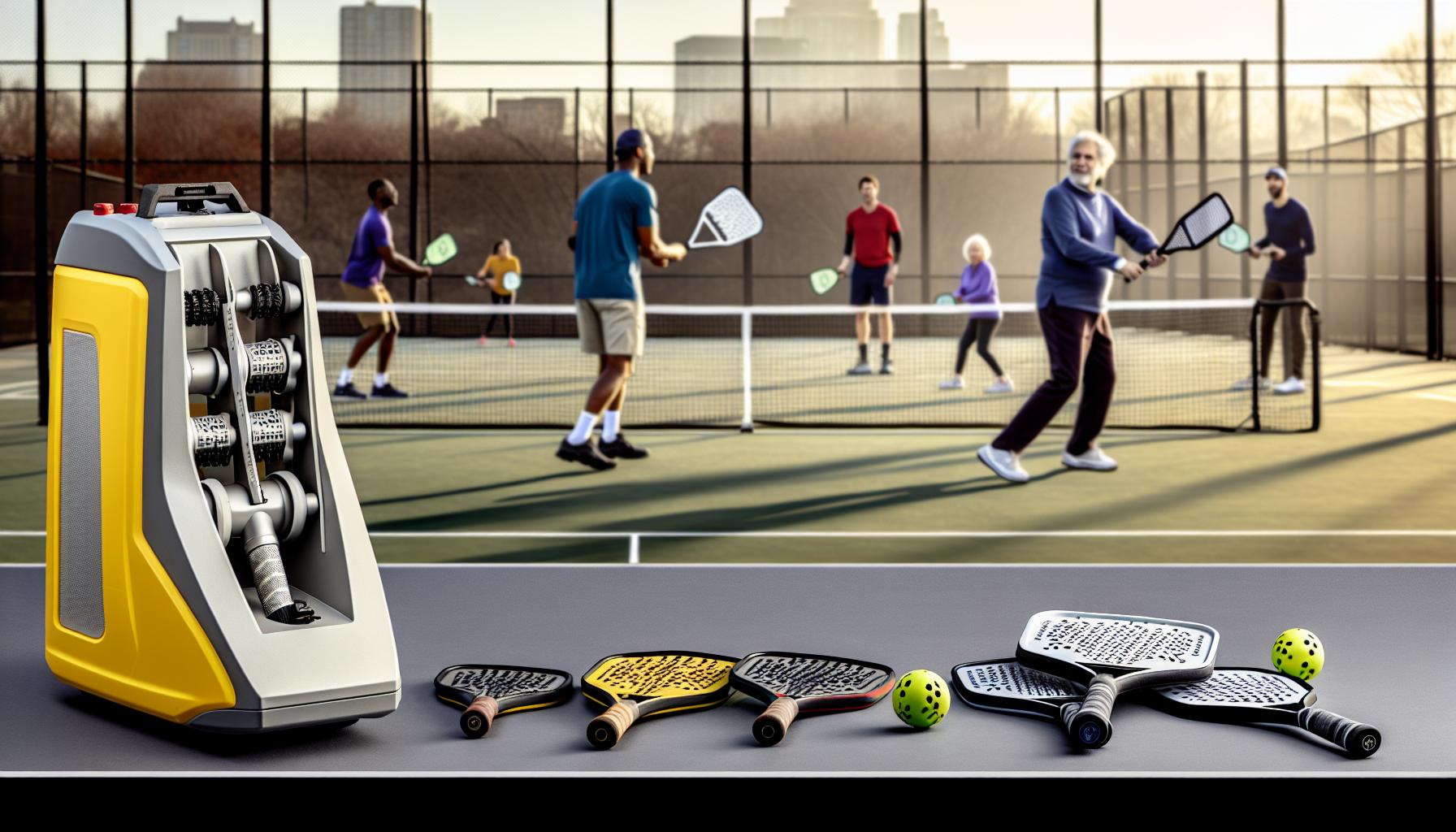
Choosing a pickleball machine that aligns well with your skill level can dramatically enhance your training sessions and accelerate improvement. Many players underestimate how critical it is to match the machine’s capabilities with their current play style and development goals. For beginners, starting with a straightforward machine that offers consistent, easy-to-control ball feeds will build confidence and fundamental shot technique without overwhelming complexity. Meanwhile, intermediate and advanced players benefit more from machines featuring customizable drills, variable spins, and random shot placements to simulate real match scenarios.
Assessing skill Level and Machine Features
If you’re new to pickleball,prioritize machines that provide simplicity and reliability over bells and whistles.Basic models typically offer steady ball feeds at moderate speeds, allowing you to focus on consistency and timing. Such as, a rental unit providing preset drills and no complicated programming allows beginners to get accustomed without tech frustration. as you advance, you’ll want to explore machines that enable you to tweak feed speeds, oscillation patterns, and spin directions to target specific weaknesses or simulate competitive play.
- Beginner: Look for machines with straightforward drills, consistent feeds, and easy setup.
- Intermediate: Choose models allowing some customization of drills, speed variation, and moderate ball spin.
- Advanced: Opt for top-tier machines offering programmable drills, random oscillation, high ball speed (up to 75 mph), and varied spins to mimic real-game unpredictability.
Budget and Usage Considerations
Budget often plays a large role, especially for those renting before committing to buy. Rental options like the Titan Pickleball Machine offer premium performance and portability,including app-driven custom drills and internal oscillation for random shot delivery – a big advantage for competitive players eager to replicate match conditions [[2]](https://www.pickleball-edge.com/products/titan-one-pickleball-machine).On the flip side, a casual player only needing basic repetitive feeds might find lower-cost rental models perfectly adequate for occasional practice sessions or skill maintenance without breaking the bank.
| Skill Level | recommended Features | Typical Rental Cost | Benefits |
|---|---|---|---|
| Beginner | Consistent feeds, fixed speed, basic drills | $40 – $60/day | Build consistency, simple setup, affordable |
| Intermediate | Customizable drills, adjustable spin and speed, moderate oscillation | $60 – $100/day | Focus on shot variety, adaptability |
| Advanced | Programmable drills, wide speed range, random oscillation, multi-spin options | $100 – $150+/day | Simulate match play, improve reaction time and strategy |
Practical Tips for Selection
Test-drive is key – renting machines locally or from online services lets you try before you buy, ensuring the model you choose meshes well with your needs and growth path. Pay attention to how intuitive the controls are and whether the machine can evolve with your skills. For instance, a beginner that adapts quickly could benefit from upgrading to a more advanced rental model mid-season, gaining access to more sophisticated drills and program options offered by services such as Pickleball Machine rentals [[3]](https://www.pickleballmachinerentals.com/).
Remember,the best machine isn’t necessarily the most expensive. It’s the one that challenges you enough without causing frustration, helps you target your weaknesses, and fits your practice routine. If you’re unsure, start simple and step up gradually. this approach makes consistent practice achievable and keeps your motivation high.
Setting Up and Operating a Pickleball Machine: Step-by-Step Guide
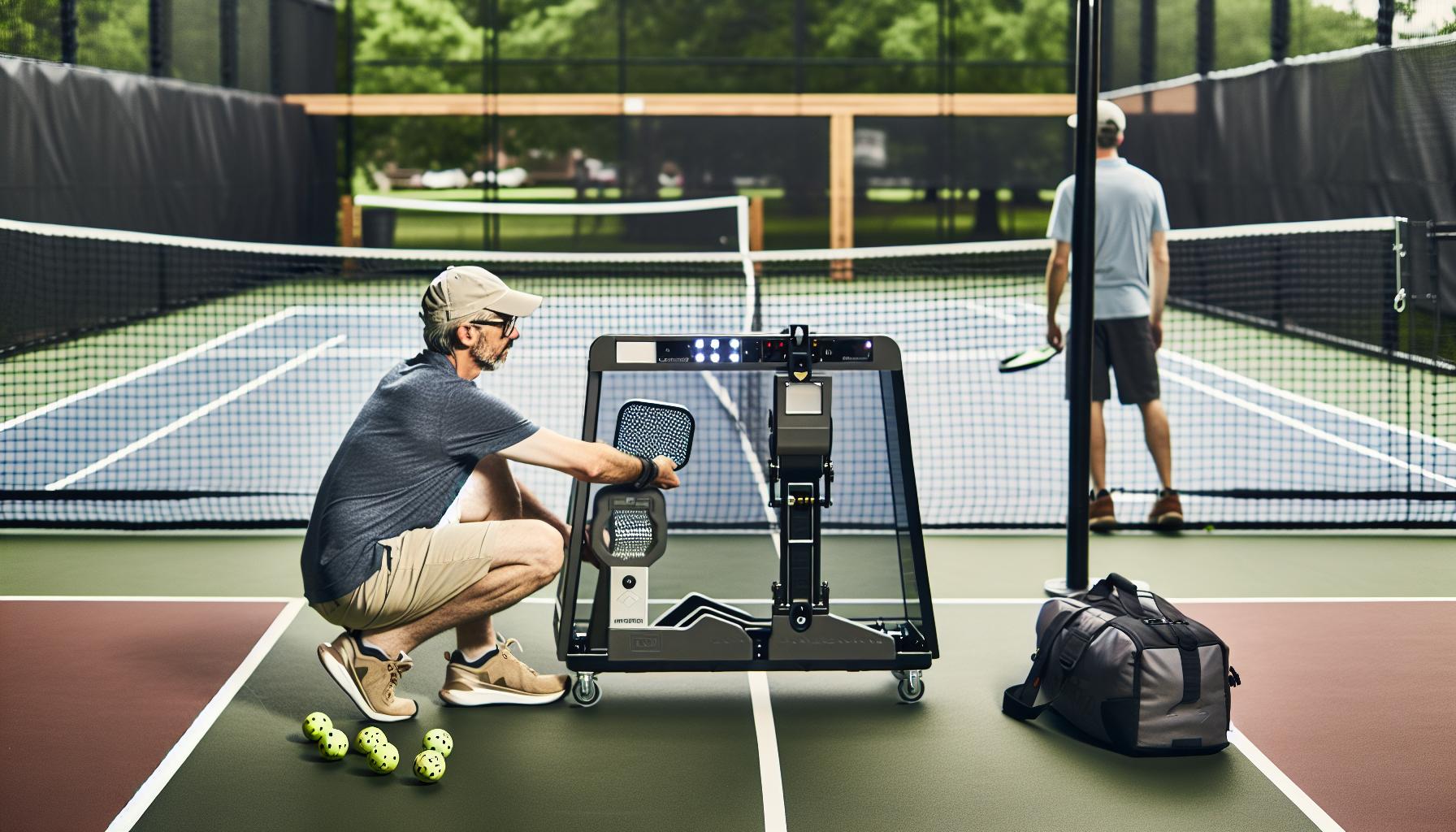
When you bring a pickleball machine onto the court-whether rented locally or shipped from an online provider-the right setup can turn an ordinary practice session into a highly productive workout. Starting off with a clear understanding of your machine’s controls and features ensures you get the ball rolling quickly and efficiently. Most machines come with simple assembly steps, but the real magic lies in customizing drills and feed patterns to match your skill level and goals.
- Unpack and Position: First, unpack your machine carefully and choose a flat, stable spot behind the baseline, typically on the lateral edge of your side of the court. Make sure the area is free from obstacles and that the machine faces the correct direction-towards your hitting zone.
- power and Connectivity: Many modern machines like the Rallie or Pickle Champion use rechargeable batteries-fully charge before use. if your machine supports Bluetooth or Wi-Fi connection, set it up early. Download the corresponding app (for Rallie, scan the QR code or download from Google Play/Apple App Store) to access custom drills and real-time control [[1]](https://www.ralliepickleball.com/pages/manual).
- Loading Balls: Load pickleballs carefully into the hopper. Machines usually hold between 50-100 balls, depending on model.Smooth ball flow is critical,so ensure balls are clean and free from damage to prevent jams.
Operating Controls: From Basics to Advanced Features
Start by turning on the machine and test the default feed settings-most rental units begin with a simple, steady feed at moderate speed. Beginners should keep drills simple: consistent feeds at manageable pace build timing and confidence without overwhelming.For intermediate and advanced users, explore features like adjustable ball speed, oscillation for side-to-side movement, and spin types (topspin, backspin, sidespin).
Using the app or onboard controls, set up drills focusing on different strokes-volleys, dinks, drives-depending on your practice objectives. For example, programs on advanced models like the titan offer random oscillation and multi-spin modes, simulating real-game unpredictability, which is crucial for sharpening reflexes and footwork [[2]](https://www.pickleball-edge.com/products/titan-one-pickleball-machine).
Tips for Smooth Operation and Safety
- Always stand at least 22 feet from the machine to avoid interference and ensure your safety, especially with high-speed balls [[3]](https://pickleballcentral.com/content/thepickletwoom-103119.pdf).
- Check ball feed during warm-up. If balls start to jam or machine emits unusual sounds, pause and clear the hopper.
- Monitor battery levels to avoid interruptions.Many machines show battery status on the control panel or app.
- Reset drills or oscillation parameters gradually. Jumping straight to advanced random modes can frustrate less experienced players.
Mastering setup and operation quickly translates to maximize your practice time. Rental units frequently enough differ in complexity-budget-friendly machines focus on straightforward feeds, while premium models unlock advanced customization via apps or remote controls. For those new to using ball machines, try a basic rental first to build familiarity, then really stretch your limits with higher-end options down the line. Remember, a well-calibrated machine is your best training partner on the court.
Best Pickleball Machines for Different Training Goals
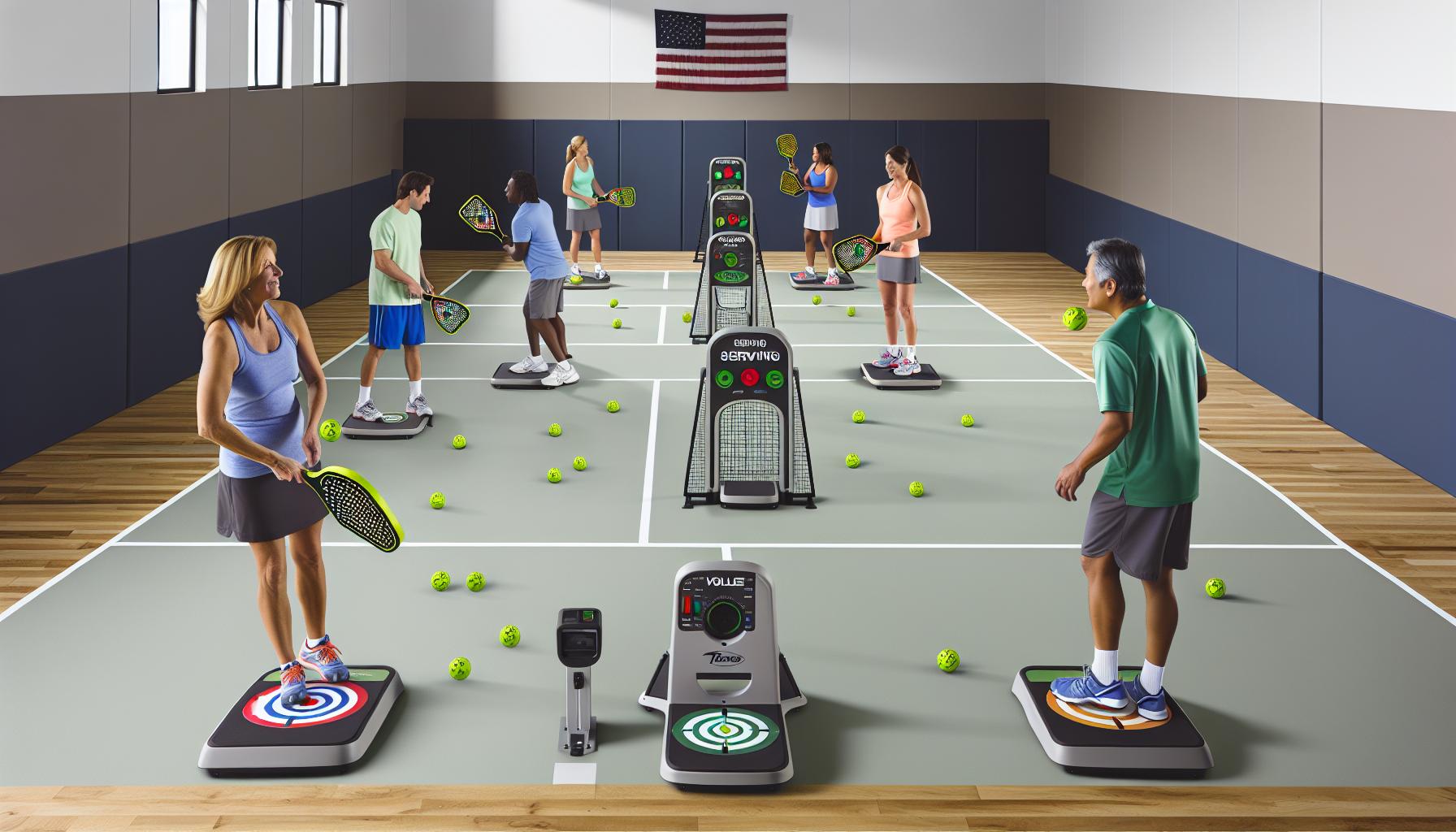
Picking the right pickleball machine can transform your practice sessions into precision training that aligns perfectly with your personal goals, whether you’re a beginner learning basics or a seasoned player sharpening advanced techniques. Machines differ widely in features, price, and complexity, so knowing which model suits your objectives is key to getting the best out of your rental or purchase.
For players focused on foundational skills like consistent groundstrokes and volley accuracy,simpler machines that offer adjustable but steady ball feeds suffice. These budget-friendly options prioritize ease of use and reliability. Such as, entry-level models from brands like Lobster or Spinshot provide consistent ball speed and oscillation to help you develop timing and footwork without overwhelming variations.The ability to dial in moderate speeds and repetitive feeds supports muscle memory building, perfect for beginners or those recovering from injury [1].
If your training goal involves enhancing court coverage and reaction times, look for machines with wide oscillation and variable speeds. mid-range models commonly allow side-to-side ball projection to mimic real-game unpredictability and can be programmed to alternate stroke types such as drives, drops, and lobs. These features challenge your footwork and positioning, fine-tuning reflexes. Machines like the Titan One stand out here for their randomized oscillation and spin capabilities, recreating multi-shot sequences to simulate match dynamics [2].
Advanced players aiming to master specialty shots and incorporate spin variations should consider premium models with high customization and app integration. Features such as topspin, backspin, side spin, and multi-feed volley drills prepare you for tactical scenarios. these machines often come with Bluetooth control apps to design complex drill sequences that adjust mid-session, pushing your adaptability. Incorporating drills like 3rd shot drops or pinch volleys help refine shot placement under pressure, aligning with competitive play demands [1].
| Training Goal | Recommended Machine Type | Key Features | Example Brand/Model |
|---|---|---|---|
| Beginners / Skill building | Basic / Entry-level | Consistent feed, moderate speed, simple oscillation | Lobster Mini, Spinshot Player |
| Intermediate / Court Coverage | mid-range | Wide oscillation, speed variability, multi-feeds | Titan One, Pickle Champion |
| Advanced / Specialty Shots & Spin | Premium / High customization | Spin options, app control, randomized drills | Titan Two, Rallie |
When renting, consider your current skill level and what training gaps you want to fill to avoid paying for unnecessary advanced features. Likewise, if budget constraints steer you toward entry-level machines, focus on maximizing fundamentals before upgrading. On the flip side, if your goal is competitive excellence, investing in a machine that can simulate match-like variability will accelerate progress and keep practice engaging.
Ultimately, the ideal pickleball machine aligns well with your skill set, budget, and training focus. Trying out different machines through rental options can reveal which balance of features inspires you most. This approach ensures you improve efficiently and enjoy every drill on your way to better court performance.
Common Rental Terms, Policies, and What to Expect
Renting a pickleball machine is an excellent way to elevate your practice without the upfront cost of purchasing. However, understanding the typical rental terms and policies can save you surprises and ensure a smooth experience. Rental agreements often balance convenience with responsibility, aiming to protect both the renter and the owner’s investment. Knowing what to expect can help you focus on your training rather than logistics.
Most rental services require a deposit or pre-authorization hold to cover potential damages or late returns, which is refundable upon safe, timely equipment return. Expect a minimum rental period, commonly from a day to a week, depending on the provider. It’s common for rentals to include basic extras like a carrying case or charging cables, but accessories such as extra balls or advanced remote app controls might be additional fees or not included at all.Some local providers may even require a brief walkthrough or demo to ensure you’re cozy operating the machine,a great way to avoid misuse.
- Damage Liability: You’ll be responsible for any damage beyond normal wear and tear. Machines can be delicate, especially advanced models with electronics and spin mechanisms, so handle the equipment as if it were your own.
- Setup and Return: Plan for setup and teardown time when scheduling your rental. Some vendors offer delivery and pickup for an extra cost, while others require drop-off and pickup at their location.
- Usage Restrictions: Most rentals specify approved playing surfaces and conditions-avoid gravel or uneven courts that can damage rollers or motors.
Pricing Structures and cancellation Policies
Hourly rates might potentially be common for shorter sessions, with discounted daily or weekly rates incentivizing longer rentals. Compare providers carefully-some online rentals bundle shipping into the rate, others charge separately.Cancellation policies vary but often require notice 24 to 48 hours ahead to avoid fees. When booking, ask if there’s flexibility for extensions if your training session runs long.
| Rental Aspect | Typical Terms | Helpful Tips |
|---|---|---|
| Deposit | $50-$150 refundable, depending on machine value | Inspect the machine carefully before use; document existing issues with photos |
| Minimum Rental Period | 1 day to 1 week | Choose rental length based on practice goals; longer rentals reduce daily cost |
| Delivery/Pickup | Optional, typically extra fee | Coordinate timing carefully; factor in roundtrip travel if pickup/dropoff needed |
| Cancellation | 24-48 hours notice standard | Confirm cancellation windows to avoid penalties |
What to Expect with Usage and Support
Expect straightforward operation instructions and basic troubleshooting guidance included with your rental. Some companies offer phone or video support if technical issues arise, especially with app-controlled machines. Keep in mind higher-end models require more careful maintenance and handling, especially when transporting. If you’re renting for the first time, ask if the vendor provides a quick orientation session or instructional videos.To maximize your rental without unexpected hiccups, clarify the return condition requirements upfront-most require the machine cleaned, cords wound neatly, and any accessories intact. Remember that rental machines aren’t “brand new”; minor cosmetic wear is normal but dysfunction should be reported immediately.
Approaching rentals with clear expectations and respect for equipment will enhance your training experience. Renting is a smart, low-risk way to test different machines and features before committing to purchase, letting you discover firsthand what coaching tools fit your style and goals. Whether you’re a local renter dropping by a club or ordering online for home delivery, knowing these terms helps you stay focused on refining your pickleball game confidently.
Tips for Maximizing Your Practice with a Pickleball Machine
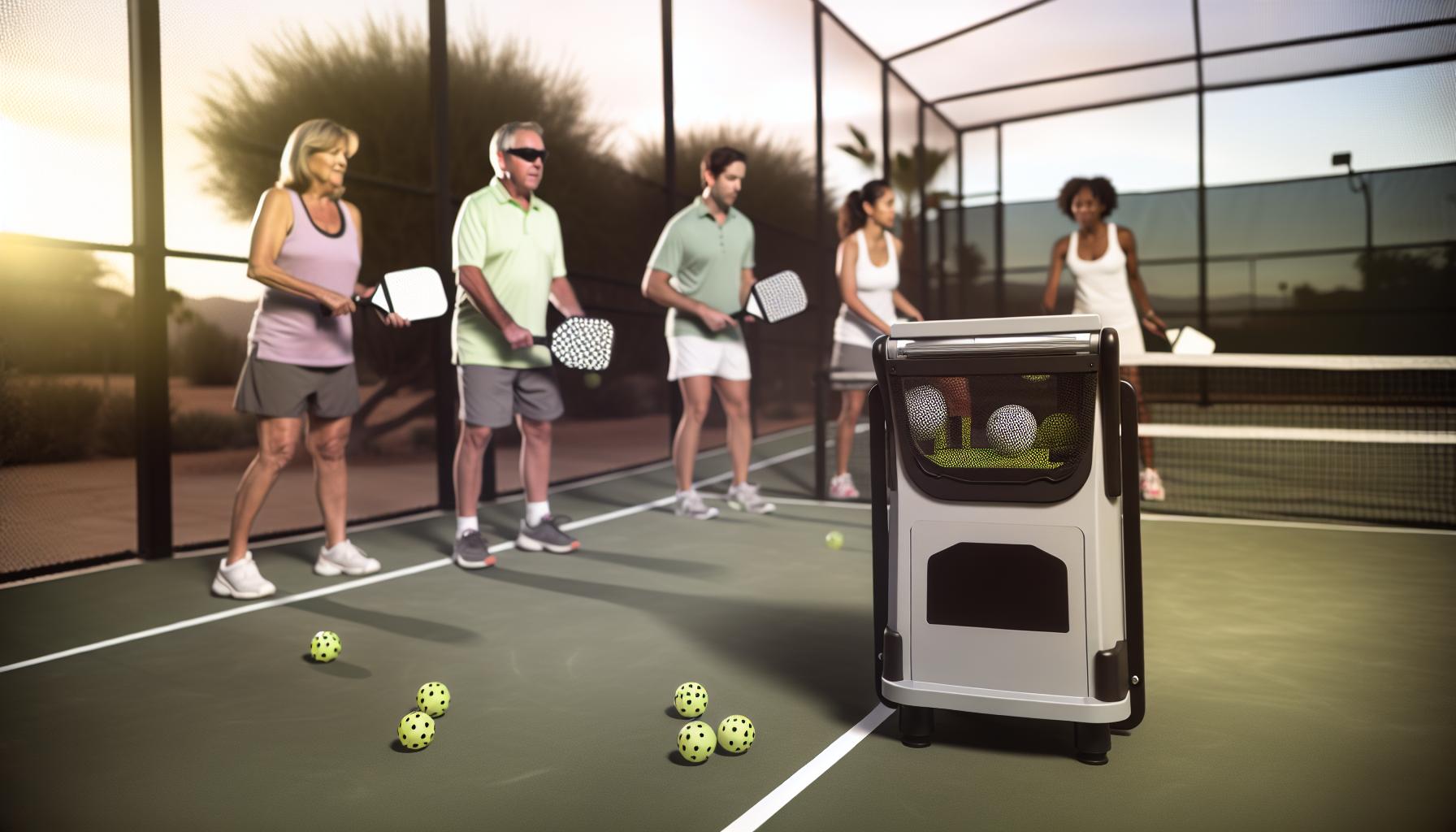
many players find that consistent, focused drills with a pickleball machine can rapidly sharpen stroke accuracy and reaction time. The key to getting the most from your rental is to tailor your session deliberately, rather than simply blasting balls nonstop. Consider starting each practice with a clear objective-whether it’s improving your dinks, volleys, or third-shot drops-and adjust the machine’s settings accordingly. For example, lower ball speed and shorter lob heights simulate in-game dinking more realistically, while faster shots help elevate reflexes and court positioning.
Experiment with shot placement by moving around the court instead of standing still, mimicking actual playing scenarios. This builds footwork alongside stroke mechanics. Use the machine’s oscillation or random shot features to develop adaptability and anticipation, essential for match success. If your rented machine has spin control, incorporate topspin and slice drills to master shot variety, a subtle but powerful advantage against opponents.
Balancing Intensity and Recovery
It’s tempting to push hard when you have a machine delivering endless balls – but overdoing it can lead to fatigue and sloppy technique. break your workout into shorter intervals with brief rest periods. This approach promotes muscle memory retention and keeps your strokes sharp throughout the session. Use downtime to mentally replay shots,analyze mistakes,or tweak your grip and stance.
Leverage Available Features and Tech
Some pickleball machines come with handy remote controls or smartphone apps.Take full advantage of these tools to fine-tune drills on the fly without interrupting your rhythm.Prioritize machines that offer adjustable settings for speed, frequency, spin, and shot placement-this versatility aligns your practice with your evolving skill level and goals. Remember,budget-friendly models may lack advanced features but can still provide solid repetition for fundamental strokes.
- Readiness: check that your rental includes extras like chargers and carrying cases, so you can set up quickly and focus on training.
- Spot Checks: During breaks, inspect the machine for wear or jams to avoid interruptions mid-session.
- Safe Handling: Treat the machine gently to prevent damage-especially if rented locally-preserving your ability to rent again.
By approaching rental sessions with purpose and awareness, using varied drill settings, and incorporating realistic footwork, you can extract maximum value from the equipment no matter your playing level. this strategy helps transform practice time into measurable skill gains and a deeper understanding of your on-court strengths and areas for improvement,all within an affordable rental framework.
Real Player Experiences: Renting Pickleball Machines Reviewed
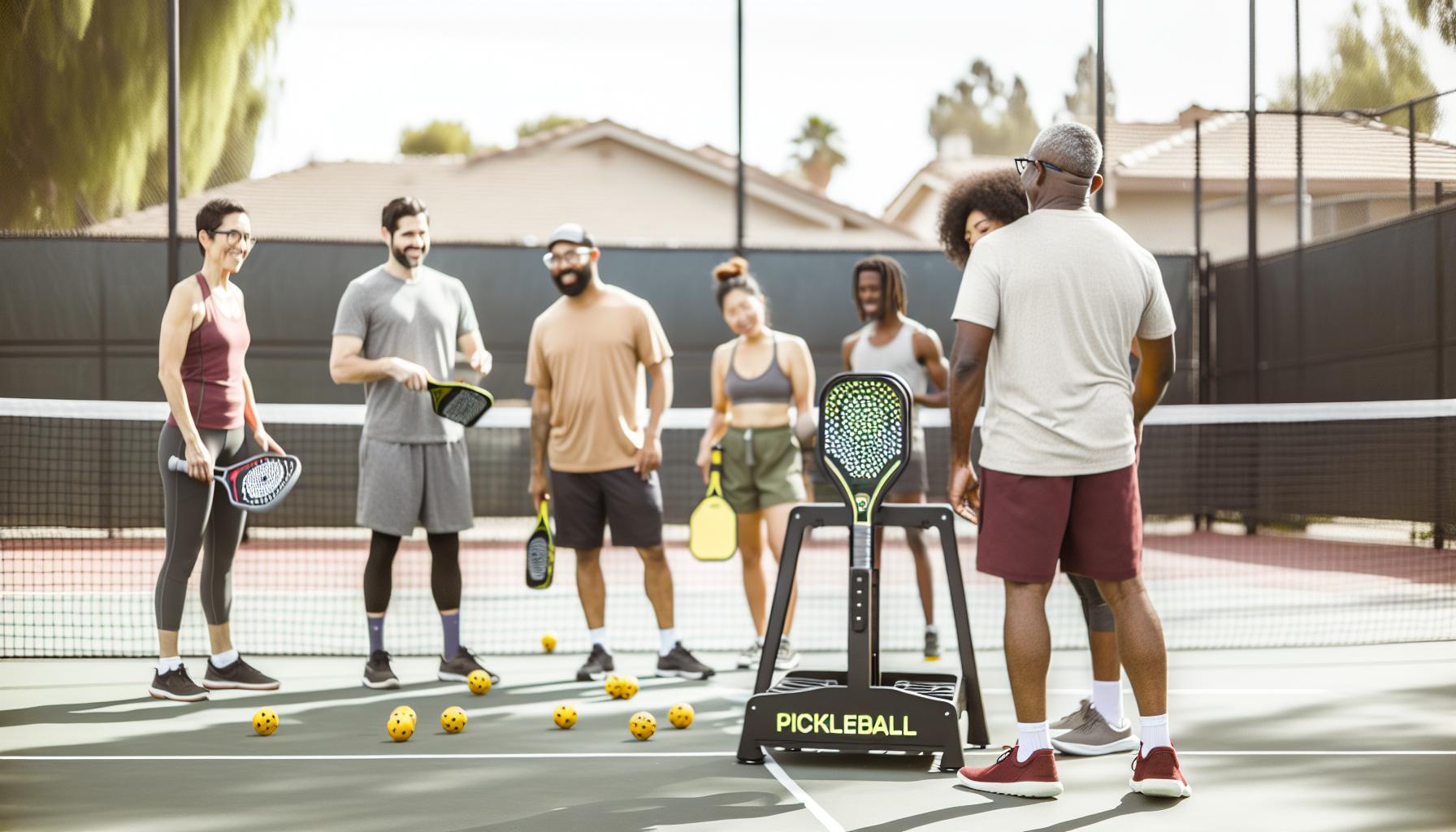
Few training tools offer as consistent and focused an experience as a well-chosen pickleball machine rental, yet players often approach them with varying expectations based on skill level and budget. Novices frequently highlight the value of having a machine that offers slower ball speeds and clear shot placements, allowing them to build confidence and proper stroke mechanics without rushing.Simultaneously occurring, more experienced players appreciate machines with adjustable spin and oscillation settings that better simulate competitive play dynamics, helping refine footwork and shot anticipation.
Many renters mention the Titan One as a standout rental option, praised for its high-speed motor capabilities (up to 75 mph), internal oscillation feature, and the ability to customize drills via its dedicated app. This versatility supports skill development from baseline rallies to advanced shot variety drills. While the upfront rental cost (about $40-$50 per hour) can seem steep compared to casual practice, players emphasize that the precision and feature set frequently enough outweigh the expense-especially when paired with court access included in rental fees[[1]](https://www.pickleball-edge.com/products/titan-one-pickleball-machine)[[2]](https://www.facebook.com/picklersclub/posts/titan-pickleball-machine-rental-50hr-includes-court-access-enjoy-exclusive-acces/122198948192249781/).
Budget vs. Premium Rentals: What Players Say
- Budget Rentals: Basic machines frequently enough focus on steady ball feeds without advanced adjustments. Players new to pickleball or those prioritizing endurance training find these sufficient for repetition drills, though they may miss out on the nuanced ball control needed for match simulation.
- Premium Machines: High-end rentals typically include features like programmable drills, spin control, variable shot placement, and app integration. Advanced players recommend investing in these for higher-quality practice sessions that enable strategic shot-making and enhanced reaction training.
Common Practical Insights from Rental Users
- Preparation Is Key: successful renters prepare by confirming what’s included-chargers, balls, accessories-to avoid downtime. Ensuring familiarity with control apps or remotes prior to session start helps maintain drill flow.
- Maintenance and Handling: Careful handling during use ensures machines stay in rental rotation. Several renters note that minor issues like ball jams are less frequent when machines are gently tuned and inspected mid-session.
- Session Structuring: Players who break their time into focused intervals with varied drills report better skill absorption and reduced fatigue.
| rental Machine Feature | Preferred By | Typical Use Case | Cost Considerations |
|---|---|---|---|
| Titan One (Premium) | Intermediate to advanced players | custom drills,high-speed rallies,spin and oscillation practice | ~$40-$50/hour including court access |
| Basic Ball Machines | Beginners and budget-conscious players | repetition drills,stroke fundamentals | Varies,often less expensive but feature-limited |
Renter feedback frequently emphasizes the balance between affordability and feature availability. One intermediate player shared how renting the Titan One enabled him to simulate realistic match shots,boosting his confidence before tournaments. Another beginner appreciated budget rentals during initial skill development, citing that the simpler machines still helped immensely with consistency.
Ultimately, these shared experiences suggest approaching machine rentals with clear goals-whether technical, strategic, or endurance-based-maximizes the investment. Understanding your skill level and practice requirements-and matching these with the appropriate machine features-turns rental time into a powerful, game-elevating resource.
Faq
Q: How can I find the best local pickleball machine rentals near me?
A: To find the best local pickleball machine rentals, search by your zip code on dedicated rental marketplaces or contact nearby sports clubs and retailers. Local rental options often offer flexible durations and hands-on support. Check user reviews and inquire about model specs to match your skill level. See our comparison of local rental providers for detailed guidance.
Q: What should I look for when renting a pickleball machine online?
A: When renting online, prioritize machines with adjustable speed, spin, and oscillation to tailor your practice. Verify rental terms,shipping/delivery options,and customer support. Confirm the machine’s condition and included accessories. Compare online rental services reviewed in our article to choose the most reliable provider for your training goals.
Q: Are there any hidden fees or deposits required for renting pickleball machines?
A: Yes, many rentals require a security deposit or cleaning fees, especially for online orders.Always review rental agreements for return policies, damage liability, and late fees. Local rentals may have fewer hidden costs. Our section on common rental terms explains how to avoid surprises and protect your budget.
Q: How flexible are rental periods for pickleball machines, and can I extend my rental?
A: Rental periods typically range from one day to several weeks, with many options for extensions on both local and online rentals. Always confirm extension policies upfront and any additional costs. Extended rentals help maximize practice time, benefiting skill progression. Refer to our cost breakdown for ideal rental durations.
Q: Can renting a pickleball machine help me improve specific skills like serves or volleys?
A: Absolutely! Renting allows you to practice targeted drills with machine settings tailored for serves, volleys, dinks, and groundstrokes. This focused repetition improves consistency and reaction time. Our guide on training goals explains how to select and adjust machines to enhance specific skills efficiently.
Q: Is renting a pickleball machine cost-effective compared to buying one for casual players?
A: Renting is usually more cost-effective for casual players needing limited practice time or trying machines before purchasing. It saves upfront costs and maintenance expenses. However, frequent players may benefit from buying, as outlined in our cost comparison section, which helps balance budget versus long-term value.
Q: What should I do if the pickleball machine I rent has technical issues during use?
A: Contact the rental service immediately for troubleshooting support or replacement options. Most reputable providers offer customer service for quick resolutions. Check the user manual included and follow setup tips from our operating guide to prevent common issues and ensure smooth practice sessions.
Q: Are there any differences between local and online pickleball machine rentals in terms of equipment quality?
A: Local rentals often provide newer or well-maintained machines with in-person support, while online rentals offer broader model selections but variable condition. Assessing equipment quality involves reading reviews and confirming machine specs. Our comparisons highlight these differences, enabling you to pick rentals that fit your skill level and budget.
—
Explore these answers along with our detailed sections like Local Pickleball Machine Rental options Compared and Top Online Pickleball Machine Rental Services Reviewed to make informed rental decisions and elevate your gameplay.
In Conclusion
Choosing the right pickleball machine rental-whether local or online-can transform your practice sessions and elevate your game quickly. By weighing factors like skill level, budget, and key performance features, you’re better equipped to select equipment that fits your style and goals. Don’t wait to boost your training efficiency today; explore our detailed gear reviews and compare options to find the best pickleball ball machine that suits your needs.
Ready to dive deeper? Check out our guides on best pickleball paddles and pickleball court strategies to complement your practice setup. Have questions or want personalized advice? Sign up for our newsletter or schedule a consultation to get expert tips tailored just for you. Rent smart, train smarter, and stay ahead in the game-because consistent practice with the right pickleball machine is the key to lasting improvement.
We’d love to hear about your rental experiences or favorite machines-share your thoughts in the comments below! Don’t forget to bookmark this page and return for the latest updates on pickleball equipment and techniques, ensuring you remain confident and informed on your pickleball journey.
Get our latest guides, news, and insights highlighted in your Google Search & AI Overviews.